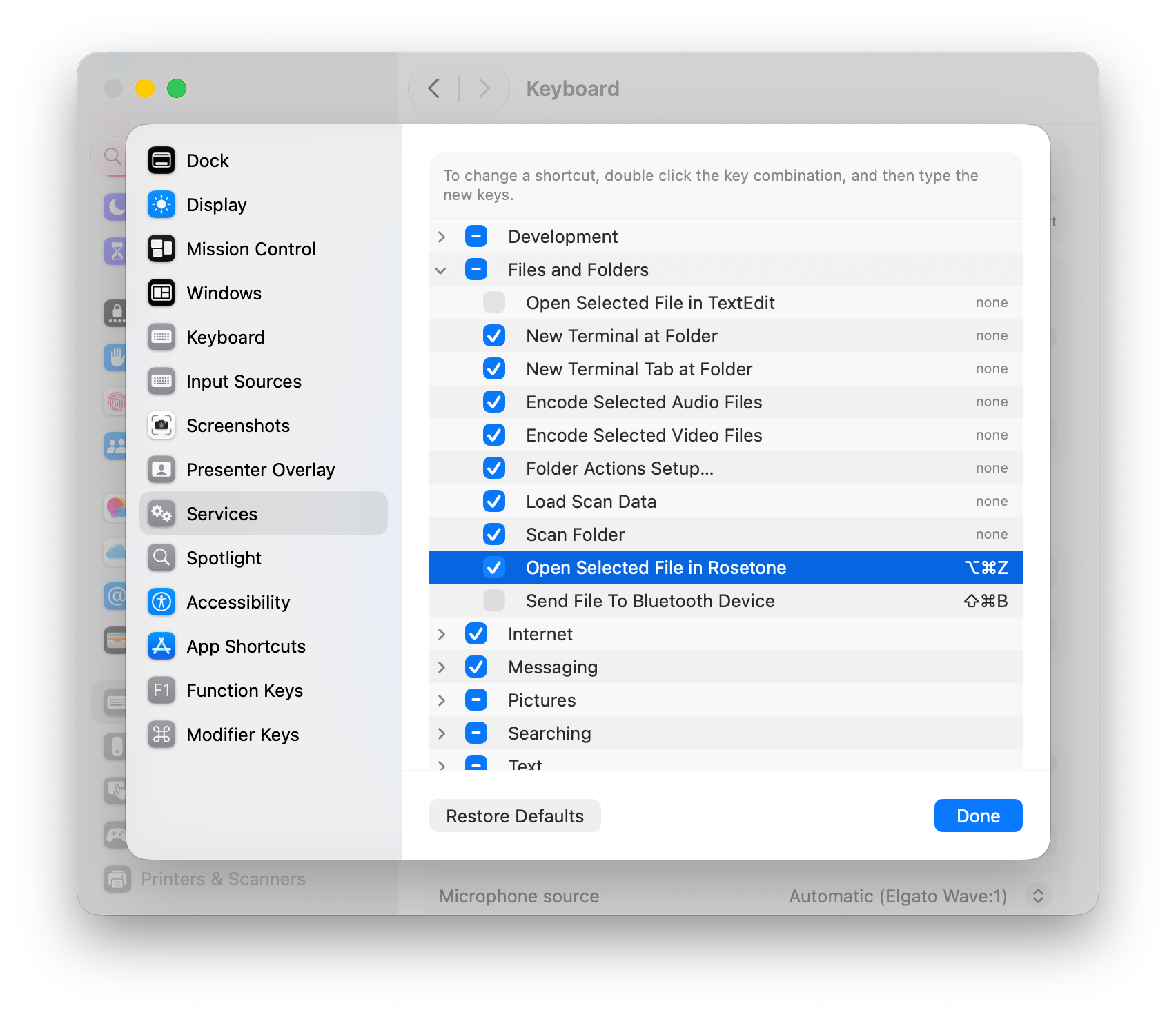
Useful keyboard shortcuts
The reader is fully keyboard-driven. This is just a selection. The full list of defaults lives in Rosetone → Settings → Shortcuts, where every one of them can be reassigned.
Turning pages
- Previous / next page
- ←→
- Turn one page at a time (in a two-page spread)
- ⇧←⇧→
Reading view
- Enter / exit full screen
- F
- Single page ↔ two-page spread
- S
- Right-to-left ↔ left-to-right
- R
- Vertical Scroll mode
- T
- Show or hide image metadata
- ⌘I
- Rotate left / right
- []
Books
- Next / previous book in the folder
- ⌘→⌘←
- Next / previous recent book
- ⌘]⌘[